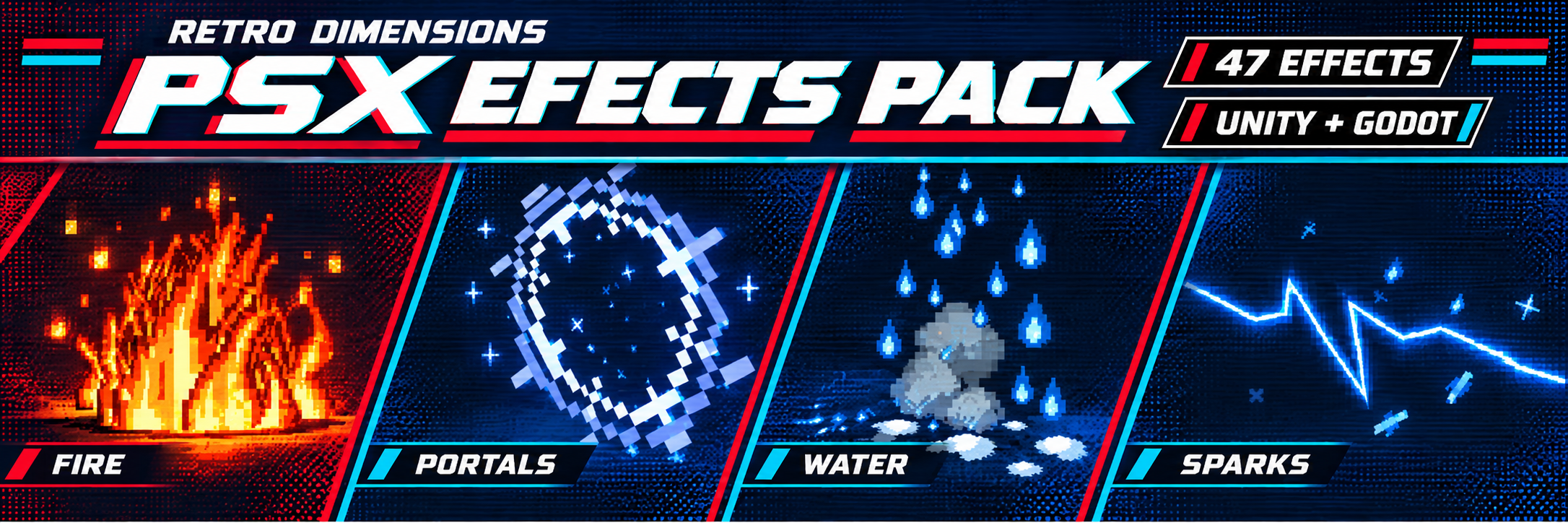
PSX Effects Pack
A downloadable asset pack
47 PSX-style worldbuilding effects for Unity and Godot
Bring your environments to life with pixelated flames, drifting smoke, splashing water, glowing portals and ambient details.
PSX Effects Pack includes 47 effect presets in both engine versions, using original pixel textures, compact palettes and stepped animation. Both downloads are included with your purchase.
What's included
- Unity: 47 ready-made prefabs for Unity 6 URP.
- Godot: 47 reusable effect scenes for Godot 4.5+.
- Pixel textures, materials and particle/dissolve shaders.
- An interactive effects gallery for each engine.
- Adjustable controls, source code and setup documentation.
- Looping effects and bursts that can be triggered and replayed.
Effects
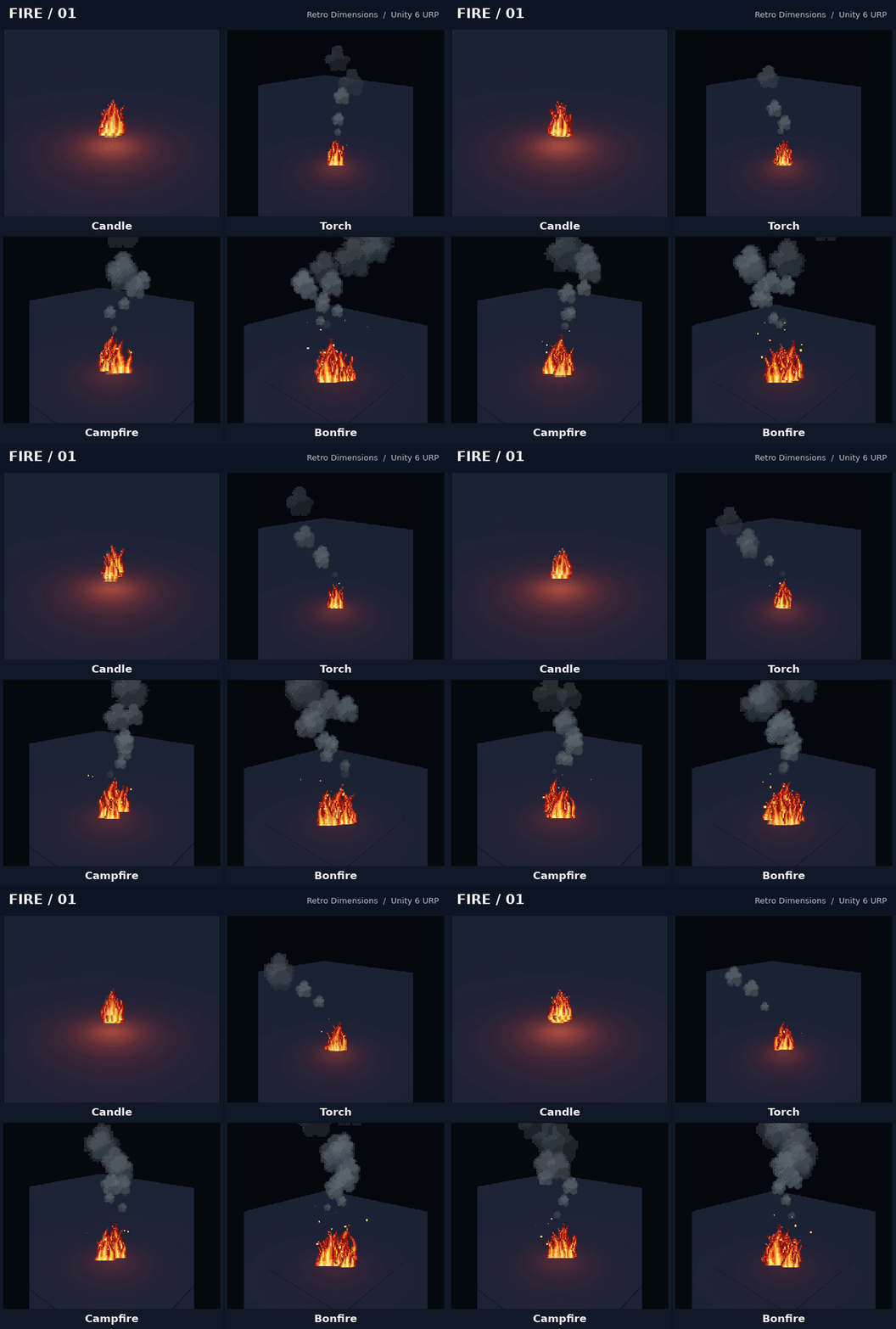
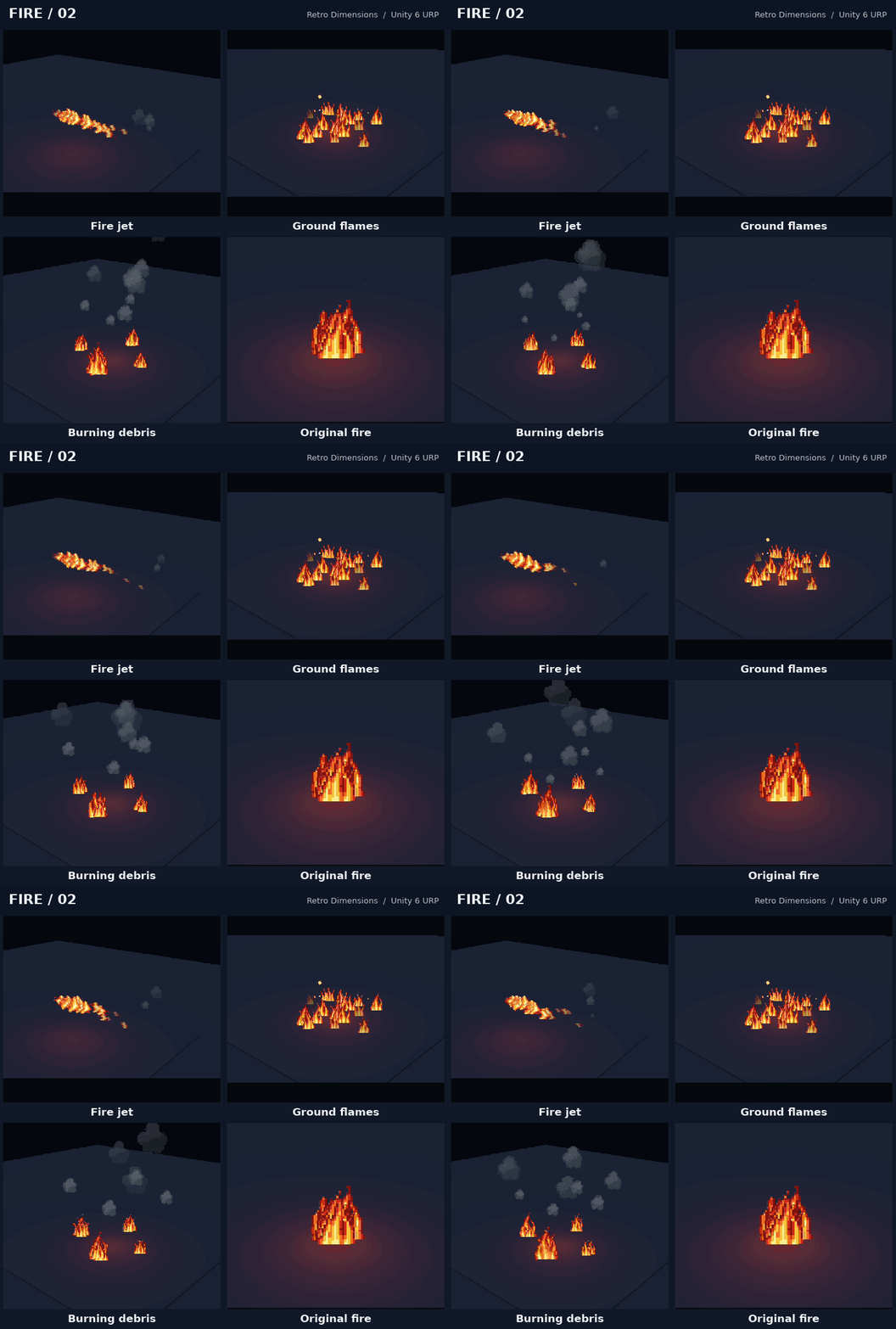
- Fire: candle and torch flames, campfires, bonfires, fire jets, ground flames and burning debris.
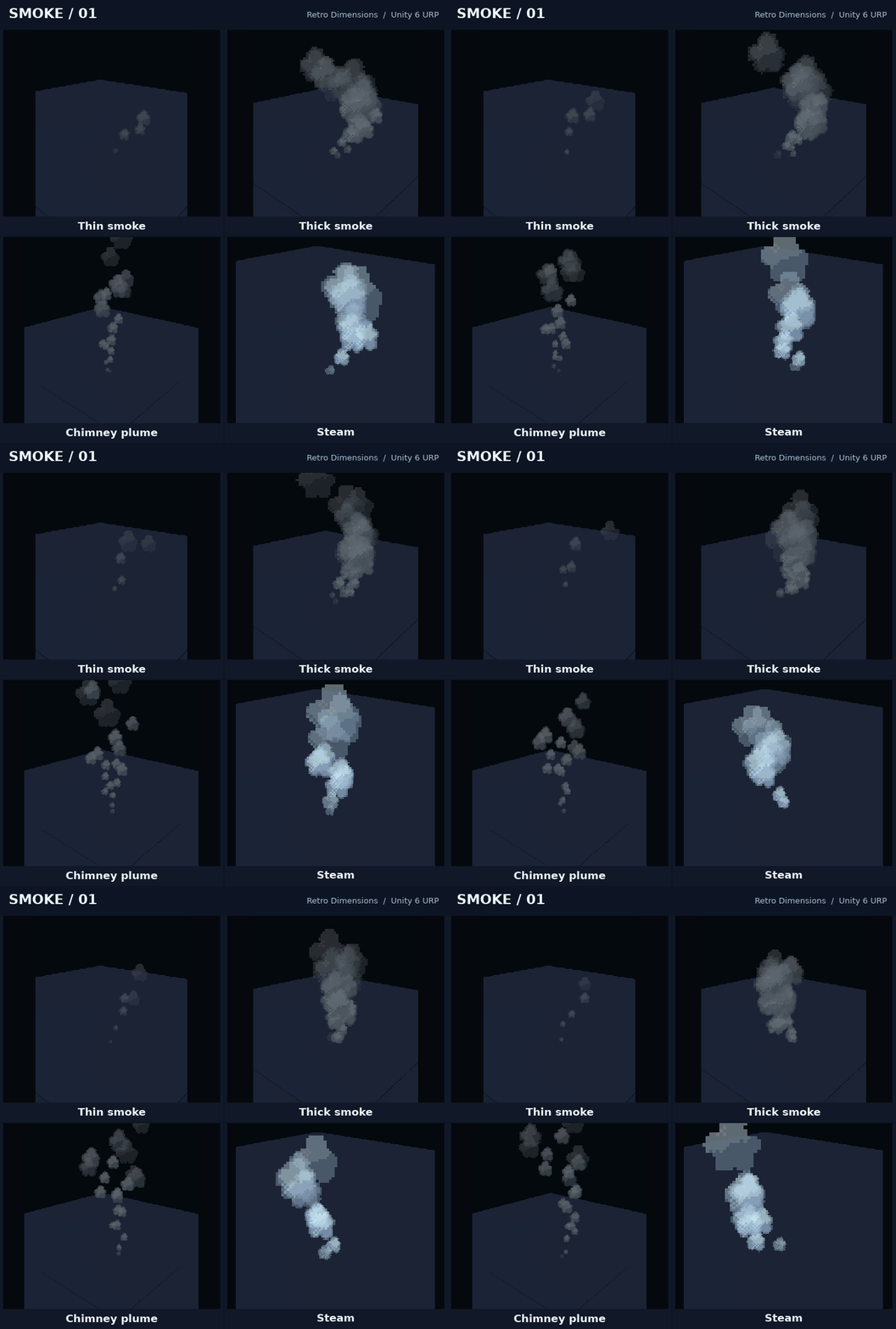
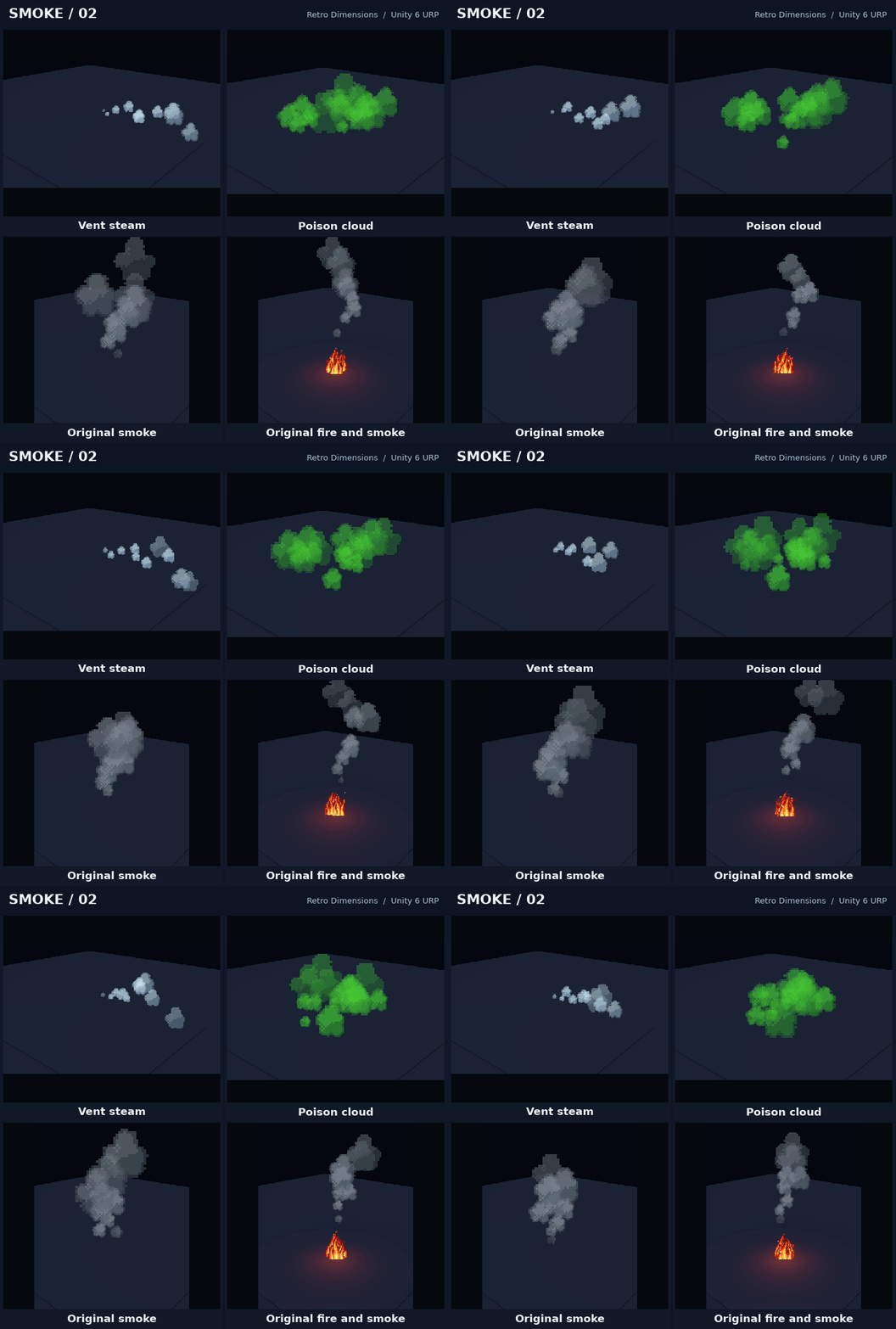
- Smoke and steam: thin and thick smoke, chimney plumes, vent steam and poison clouds.
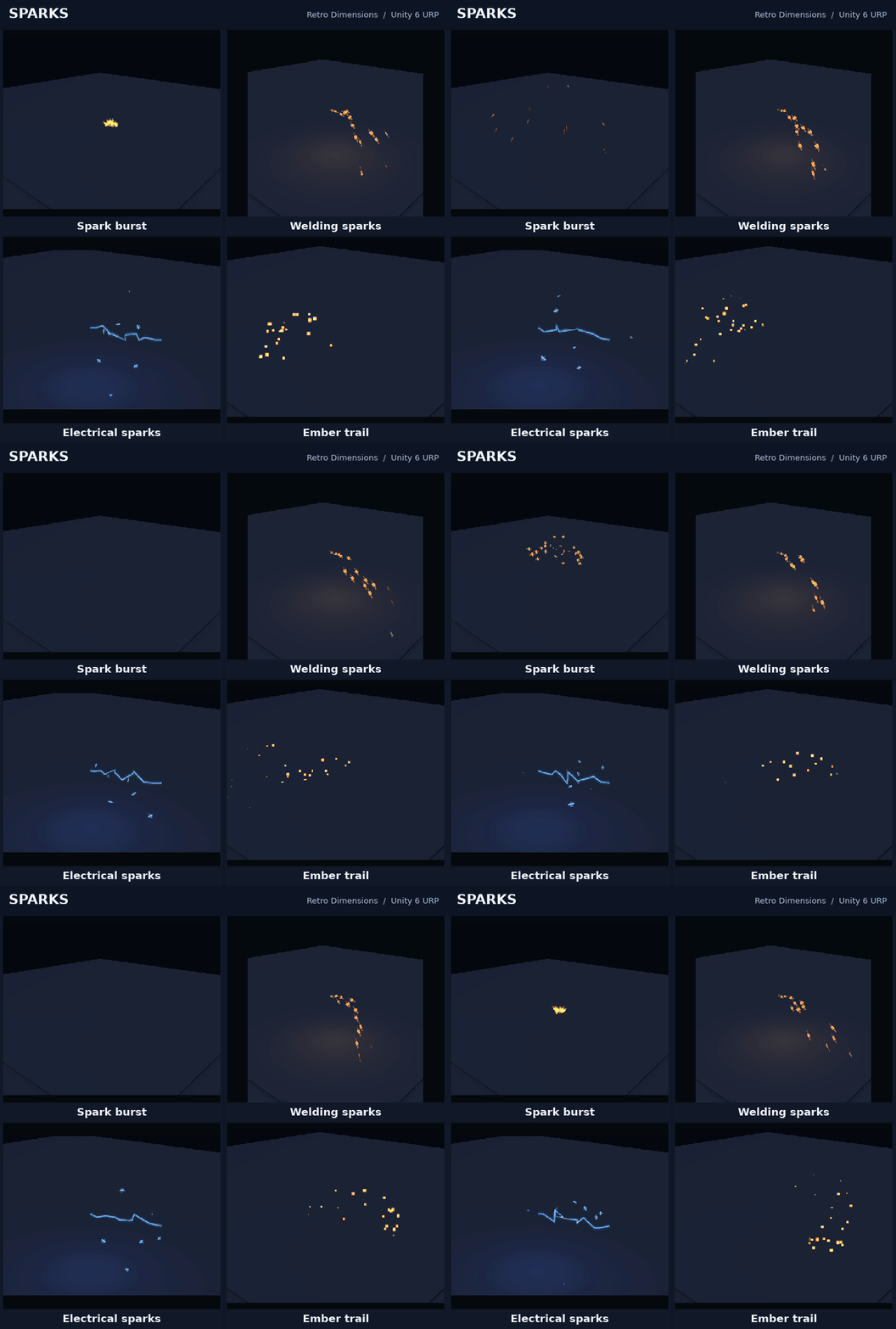
- Sparks: welding sparks, electrical arcs, ember trails and spark bursts.
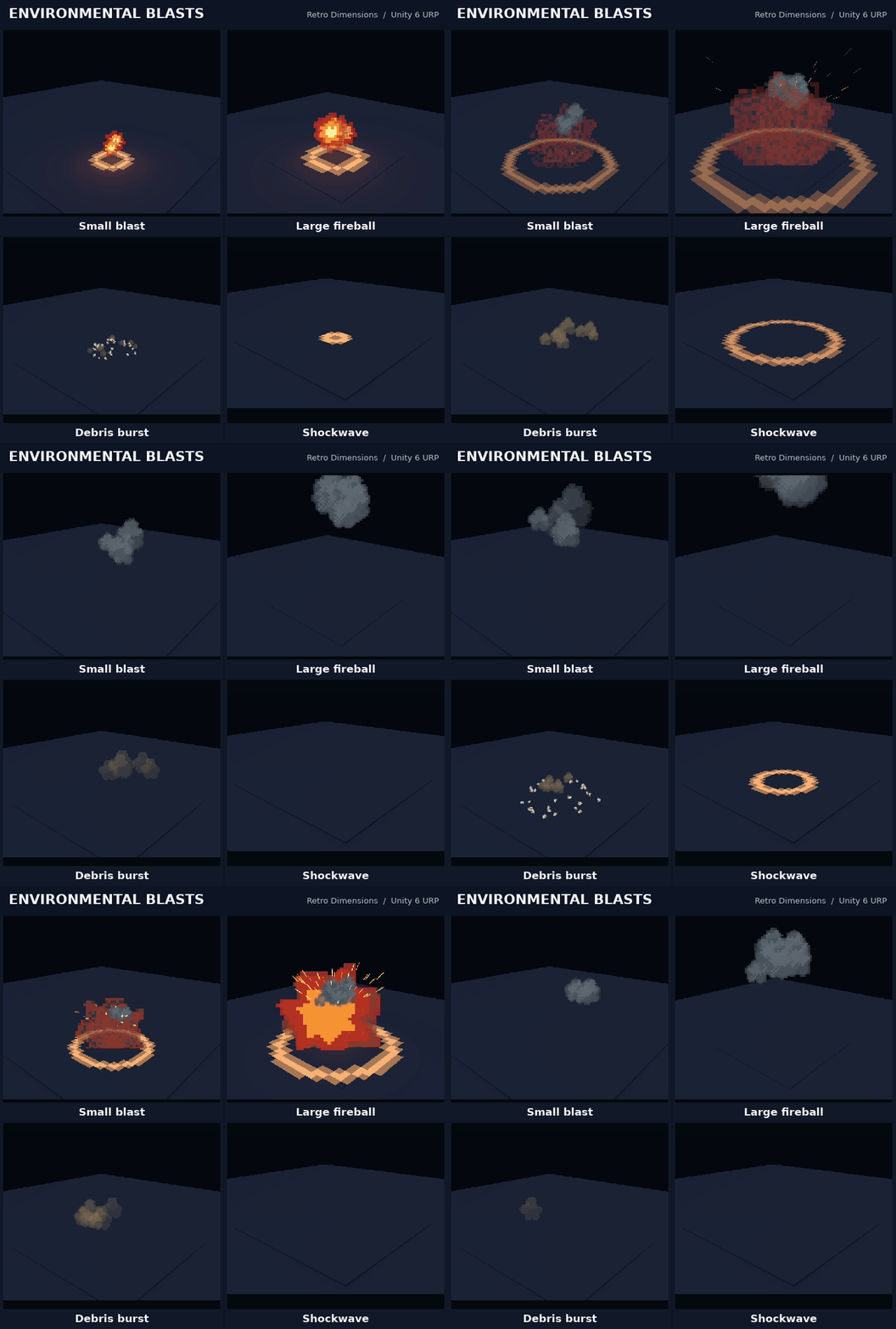
- Environmental bursts: fireballs, debris bursts and shockwaves.
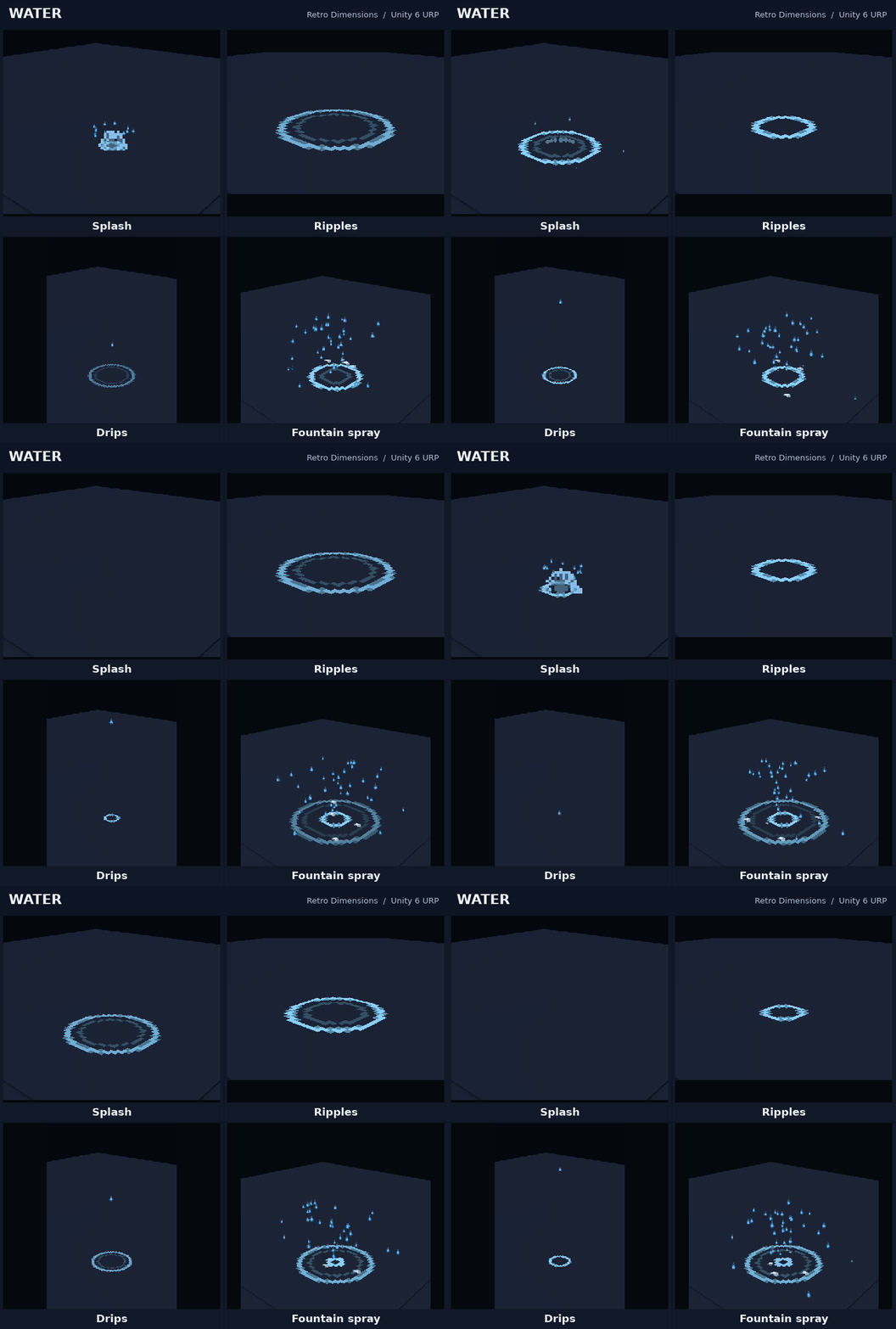
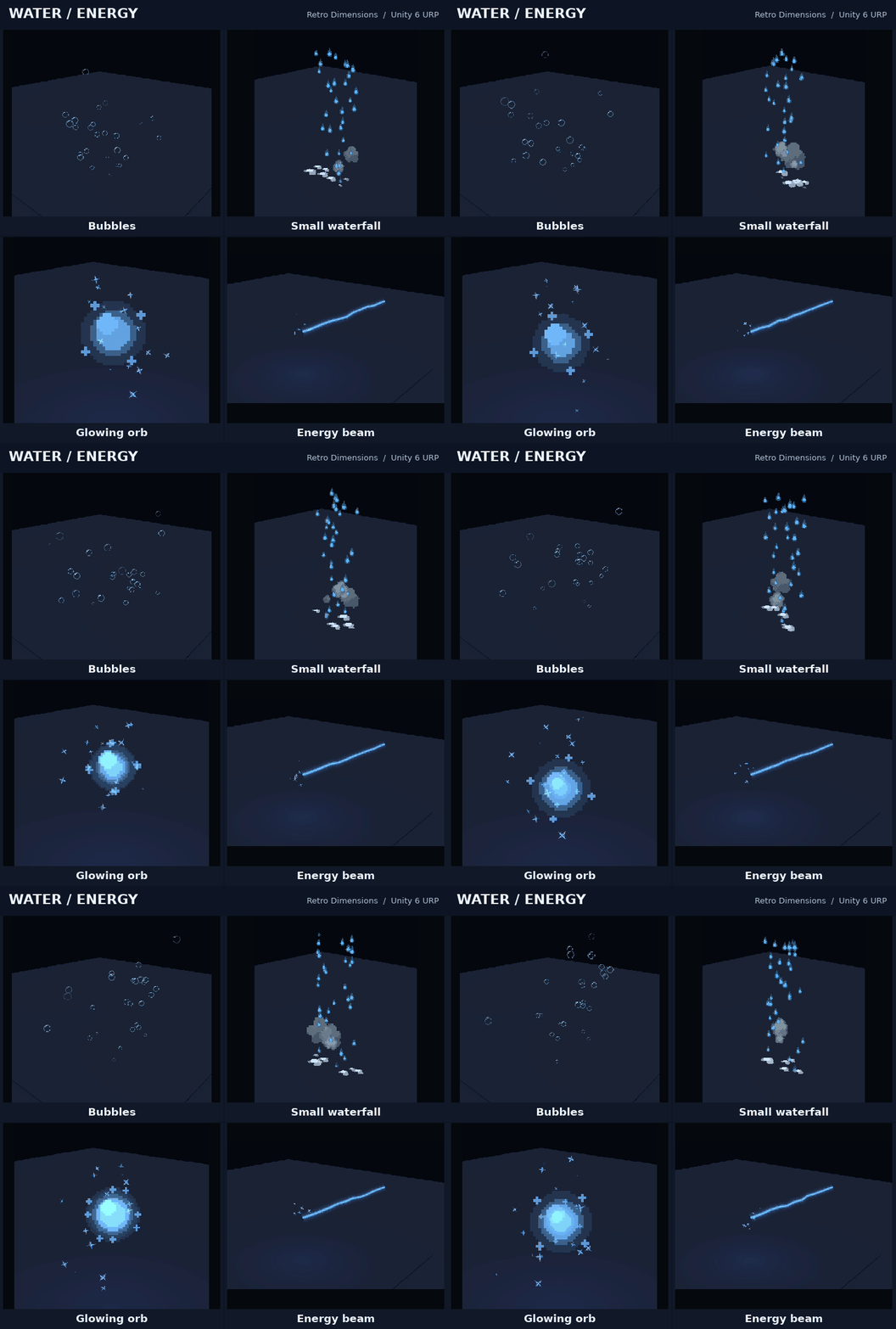
- Water: fountains, splashes, ripples, drips, bubbles and a small waterfall.
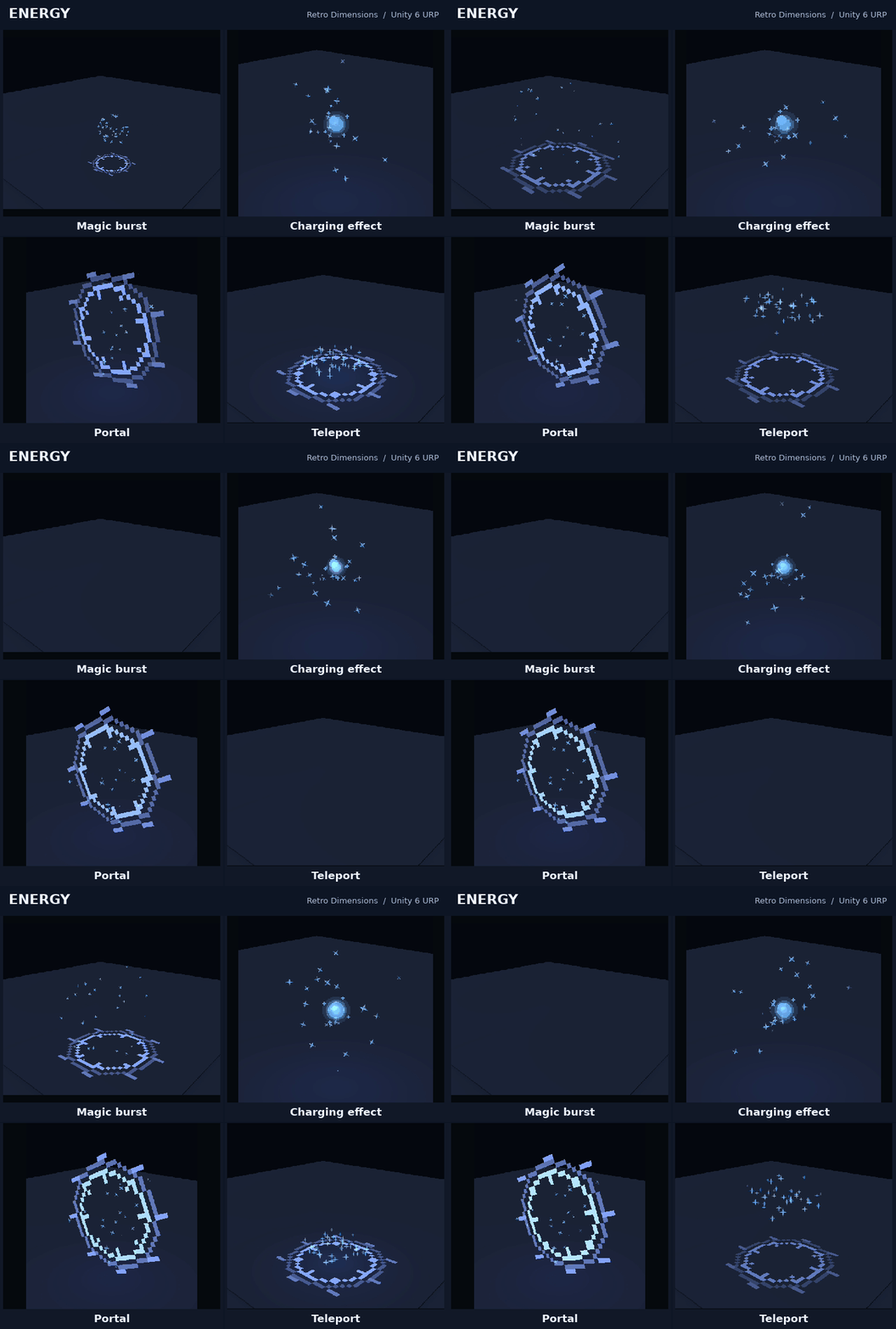
- Energy: portals, glowing orbs, beams, charging effects, magic bursts and teleport effects.
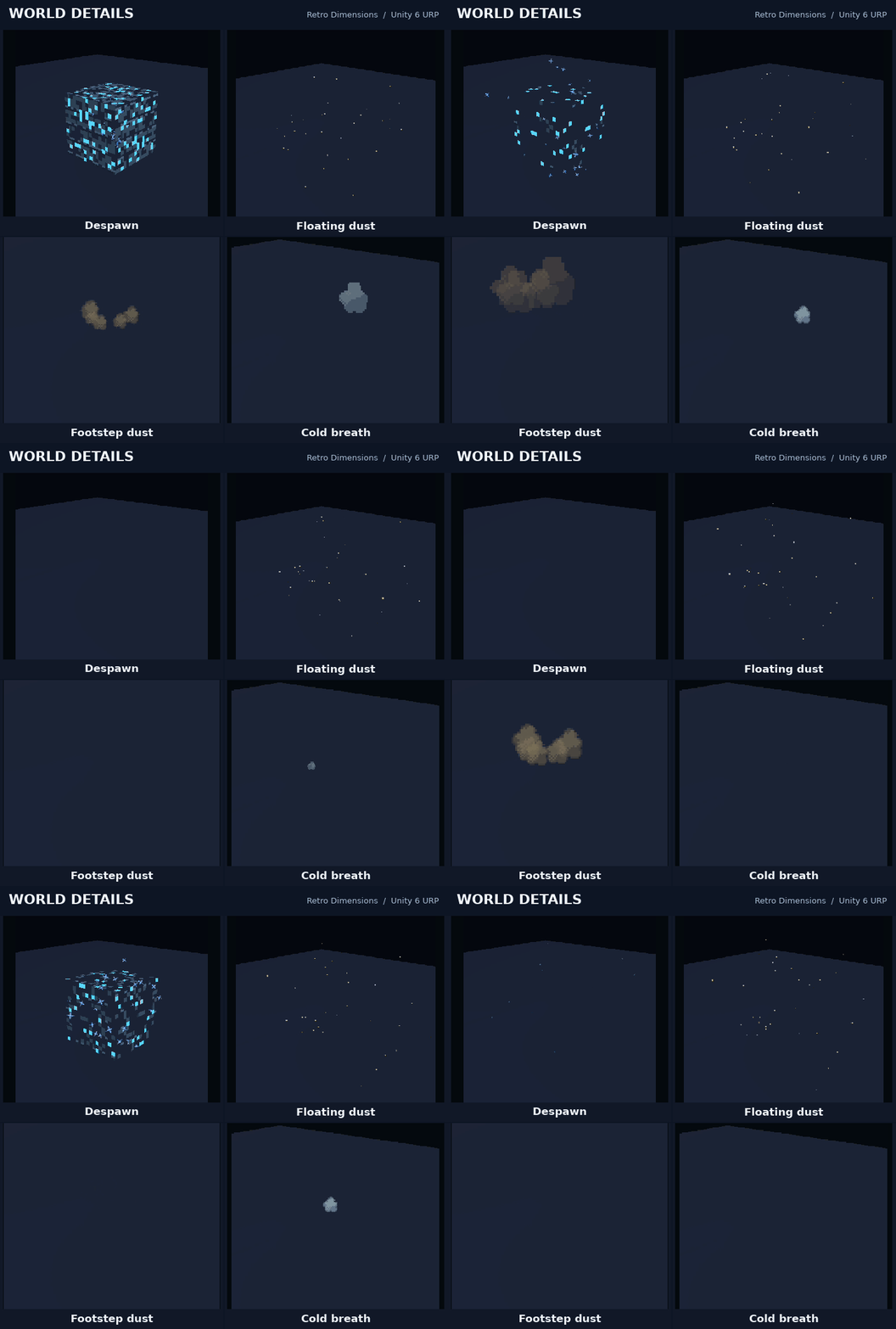
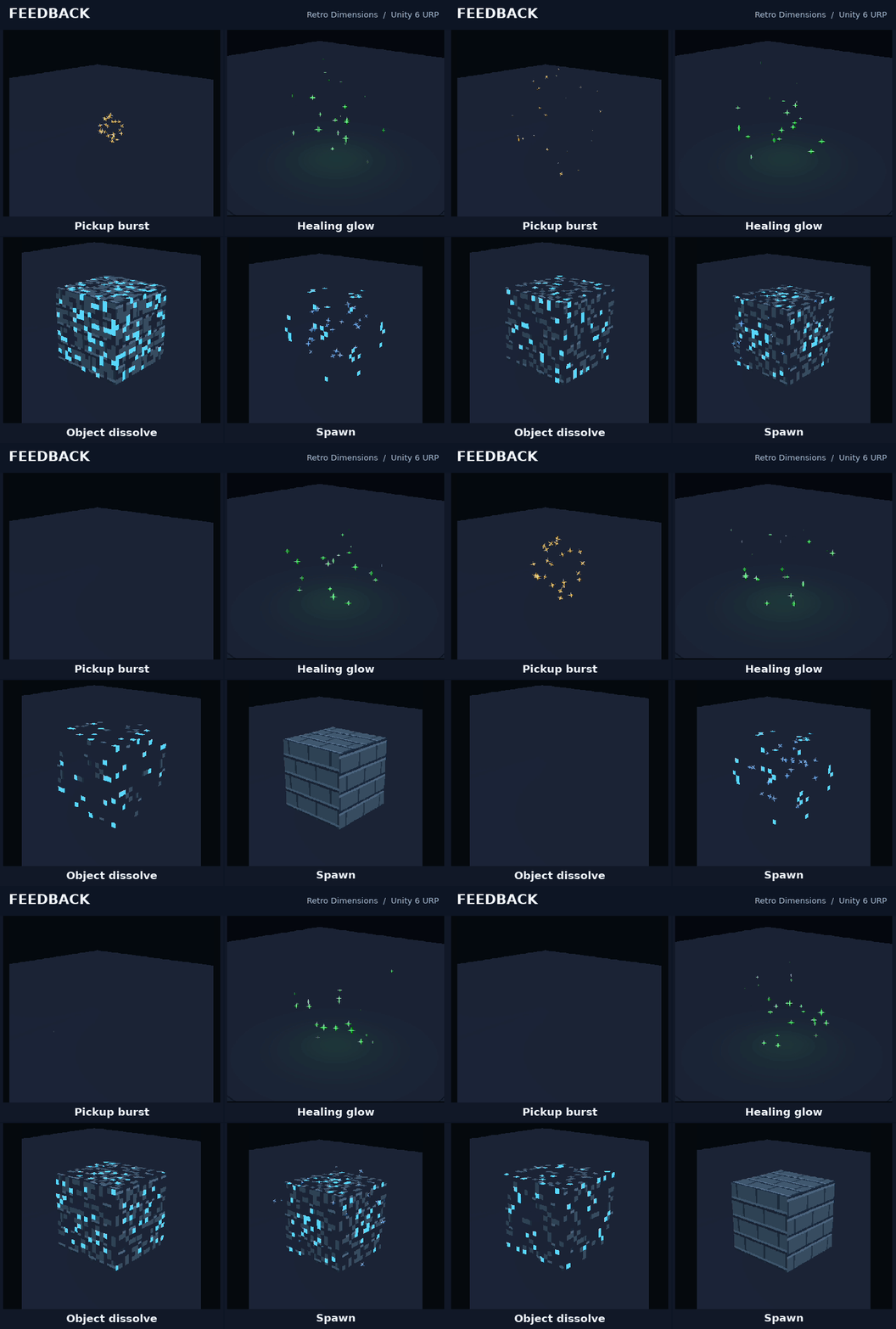
- Object feedback: pickup effects, healing glows, dissolve, spawn and despawn.
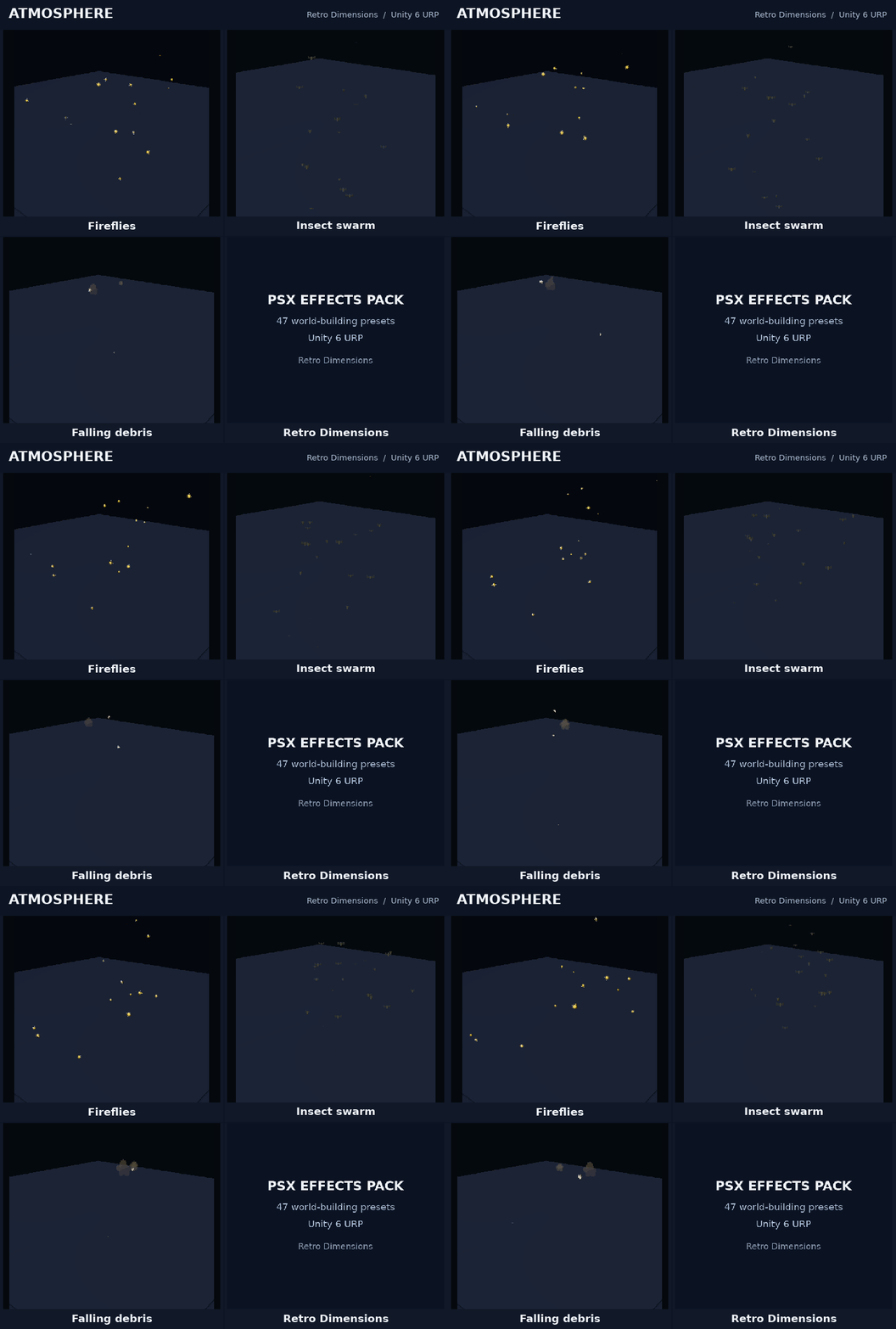
- Atmosphere: dust, footstep puffs, cold breath, fireflies, insects and falling debris.
Make them fit your scene
Adjust size, intensity, colour and animation speed from the effect’s Inspector controls. Light, beam-target and dissolve settings are available on the relevant effects.
Use the included gallery to browse the collection, preview colour alternatives and replay bursts. The Godot version also includes live editor previews and a separate test scene with a camera, floor and lighting
Unity setup
- Import the Unity package into a Unity 6 URP project.
- Drag an effect prefab into your scene.
- Select its root and adjust the controller settings.
Choose the Universal 3D template when starting a new Unity project. A ready-made demo scene is included.
Godot setup
- Extract the Godot ZIP.
- In Godot’s Project Manager, import the included project.godot.
- Press F5 to browse the effects gallery.
For an existing project, copy the entire effects folder beside your project’s project.godot, then drag an effect scene into your scene tree.
Requirements
- Unity version: Unity 6, Universal Render Pipeline, Universal 3D renderer.
- Godot version: Godot 4.5+ with the Compatibility renderer; tested in Godot 4.5.1.
Each version includes everything needed to use the effects on its own.
Video and GIF previews show the Unity version.
More from Retro Dimensions
Purchase
In order to download this asset pack you must purchase it at or above the minimum price of $5.99 USD. You will get access to the following files:
Comments
Log in with itch.io to leave a comment.
will you make a version for godot
Done. I've added a Godot version. ☺️
thank you.